What makes a photo a passport photo?
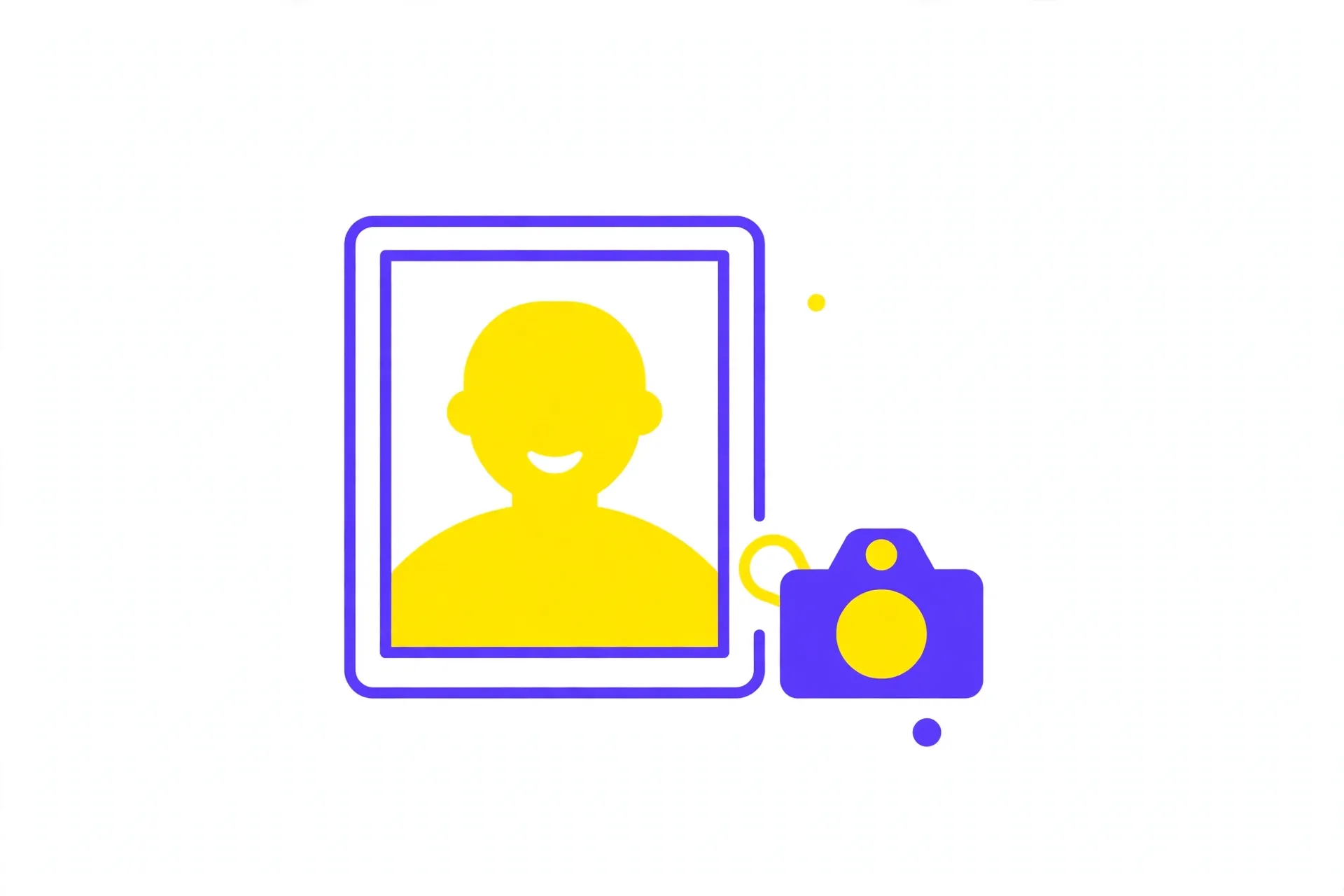
A passport photo is not just any headshot. It has to be a specific size, usually 35x45 mm, with your face looking straight at the camera against a plain, light background. Your expression should be neutral, with your mouth closed and your eyes open.
The rules exist so that the photo can be matched to your face reliably, whether by a person or by a machine. That is why shadows across the face, dark glasses, or a tilted head can all get a photo rejected.
The exact requirements vary a little from one country to another, so check the official guidance for the authority you are applying to before you submit your photo.
How to make a passport photo at home
Stand in front of a plain, light-coloured wall in daylight or a well-lit room. Face the camera directly, keep your head level, and make sure there is no shadow falling across your face or the wall behind you.
Ask someone to take the photo for you if you can. It is much easier to keep the framing right when you are not holding the phone yourself. Take a few shots and pick the sharpest one.
Upload your chosen photo to the Passport Photo Maker, pick your country's size, and adjust the crop so your face sits in the frame. Download the photo and the printable 4x6 sheet.
- Plain wall, good light, face straight at the camera
- No hat, no dark glasses, neutral expression
- Upload, crop to size, download the photo and the 4x6 sheet
Which sizes are supported?
The tool offers the official sizes used by Pakistan, the UK, Schengen countries and Australia, including the common 35x45 mm size. You pick the size that matches your application, and the tool crops your photo to fit it exactly.
If your application form states a size, use that one. The number on the form is what matters — a photo in the wrong size can be rejected even if it looks perfect.
When a form does not state a size, 35x45 mm is the safest choice, because it is the standard for most passport and visa applications.
How to print your photos on a 4x6 sheet
The 4x6 sheet the tool creates holds several copies of your passport photo on one page. That is useful because most applications need more than one copy, and it is cheaper than printing single photos.
Print the sheet at home on photo paper for the best result, or take the file to a print shop. Ordinary paper works in a pinch, but photo paper gives a sharper image that looks more like a studio print.
Cut the photos out carefully along the edges. Keep the spares in an envelope so they stay clean for the next time you need one.
Common mistakes to avoid
The most common reason a passport photo is rejected is bad lighting. A shadow across your face or a dark background makes the photo hard to match, so take the photo in bright, even light.
Glasses can cause trouble too. If you wear them, make sure there is no glare on the lenses and your eyes are clearly visible. If you are unsure, take the photo without them.
Finally, use a recent photo. An old photo that no longer looks like you can be rejected, even if the size and background are perfect. If your appearance has changed, take a new one.
- Avoid shadows on your face or the wall
- No glare on glasses — or take them off
- Use a recent photo that still looks like you