Why 'free' QR generators usually aren't
Search for a free QR code generator and you'll find plenty — until you try to add your logo. That's where the paywall appears: logo upload requires an account, custom colors need a Pro plan, and the download arrives with a watermark unless you subscribe. Some even generate 'dynamic' codes by default, which stop working the moment your trial ends.
The pattern is deliberate. A plain black-and-white code is the free sample; anything that looks like your brand is the product. For a business card, menu, or storefront sticker, a generic code looks unfinished — which is exactly why the branding features are gated.
Adding your logo, step by step
All Done's QR Code Generator keeps logo upload, custom colors, and templates on the free tier with no account. The whole thing runs in your browser, so nothing you type or upload leaves your device.
Pick a content tab first — URL, text, WiFi, contact card, and more. Enter your content, then upload your logo image and pick your brand colors. The live preview updates as you work, so you see exactly what the final code looks like. When you're happy, download the PNG. No signup screen, no watermark, no 'upgrade to remove branding' nudge.
- Choose the content type (URL, text, WiFi, contact, etc.) and enter your content.
- Upload your logo and set custom foreground/background colors.
- Check the live preview, then download the PNG — free, no account.
Logo QR codes that still scan reliably
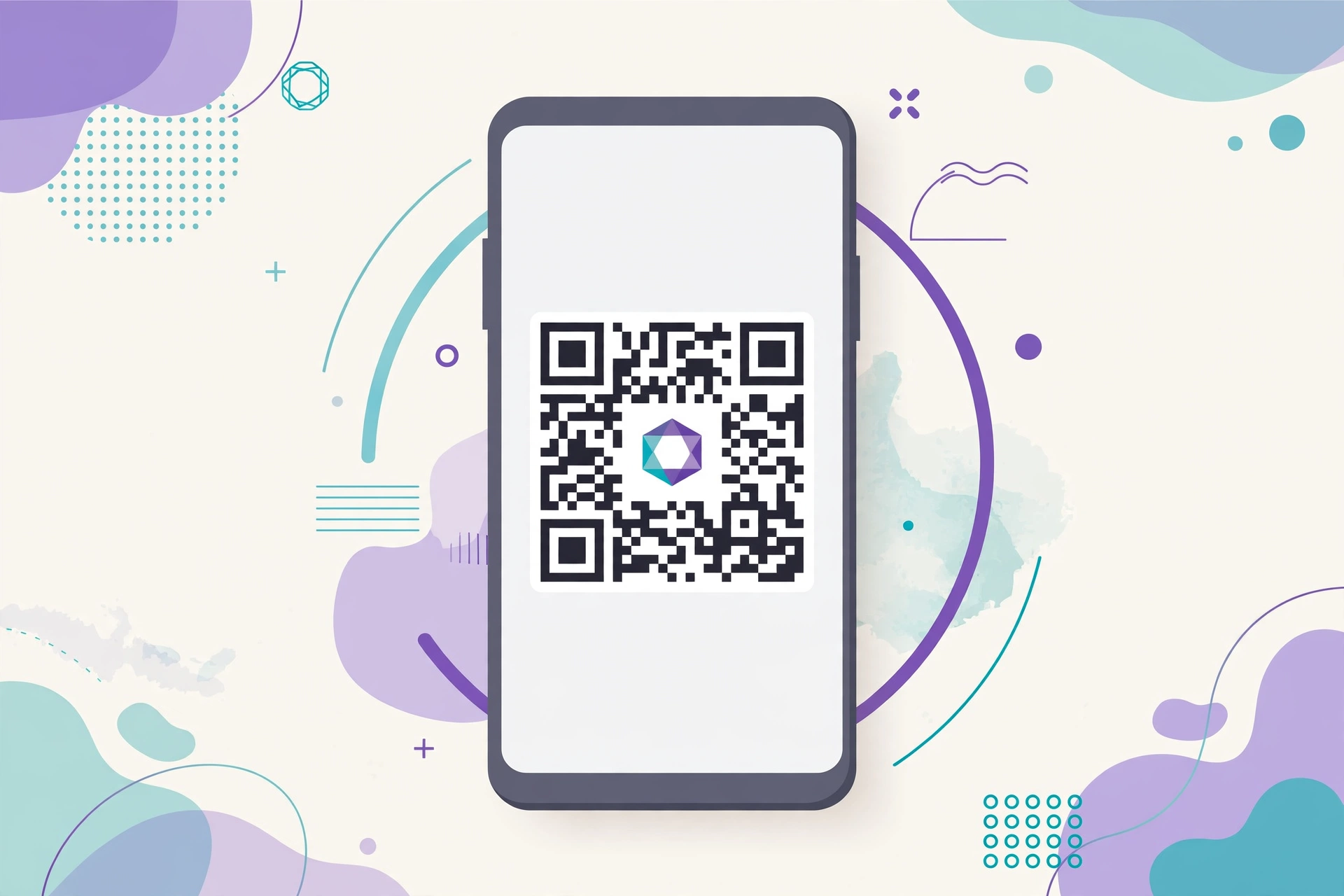
A logo in the middle of a QR code works because QR codes include built-in error correction — up to 30% of the code can be obscured and it still reads. But 'can' isn't 'always will', especially on cheap prints or small stickers. Keep the logo modest, roughly the center fifth of the code, and never let it touch the three large corner squares — those are what scanners lock onto first.
Contrast matters more than most people expect. A dark code on a light background scans fastest; inverted or low-contrast color schemes look stylish and fail in dim restaurants. And always test-scan with your own phone before printing a thousand stickers — a thirty-second check beats a reprint.
- Keep the logo centered and modest — don't cover the three corner squares.
- Use dark-on-light colors; avoid low-contrast or inverted schemes.
- Leave the quiet zone (the white margin around the code) intact.
- Test-scan on your phone before any bulk printing.
Static codes never expire — and that's what you get
The codes this tool generates are static: your URL or text is encoded directly into the pattern, so the code works forever with nothing to renew. Dynamic codes work differently — they encode a short link on the provider's server, which lets you edit the destination and track scans, but the code dies when the subscription lapses.
For anything printed — business cards, packaging, signage — static is the sane choice. You don't want your shop window sticker bricking itself because a SaaS trial ended. If you genuinely need scan analytics or editable destinations, that's the one case where a paid dynamic service earns its fee.
Print tips for crisp, scannable codes
The PNG download is ideal for screens — websites, emails, social posts. For print, size and sharpness decide everything: print at 300 DPI and keep the code at least 2 × 2 cm (about an inch square) for reliable phone scanning. Bigger is always safer for anything viewed at arm's length or more, like posters.
One more practical note: QR codes survive moderate JPEG compression, but every re-compress of a re-compress softens the edges. Download the PNG once and print from the original file rather than screenshotting a screenshot.