The catch behind most 'free' background removers
The background-remover market has a standard playbook: advertise 'free', then watermark the download, cap free exports at low resolution, require an account for anything useful, and quietly upload every photo to company servers for 'processing' — and training data. The free tier is a demo with a funnel attached.
That's the gap a genuinely free tool attacks. No watermark means the output is actually usable. No signup means no email harvested. And browser-local processing means your photos are never uploaded at all — which turns out to be the rarest feature of the three.
How it works here, step by step
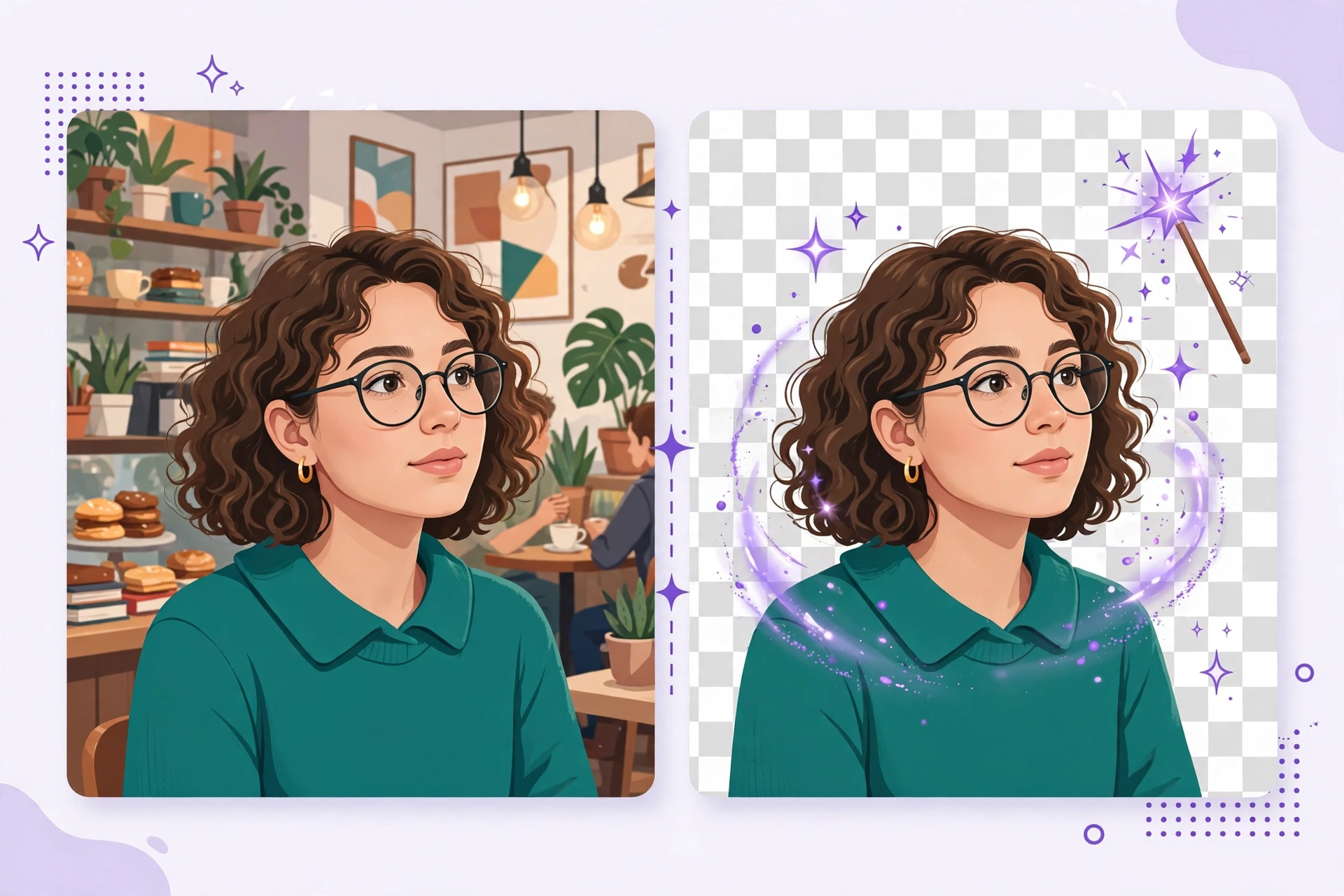
Upload a JPG, PNG, or WebP (up to 15 MB) and the AI model segments the subject right in your browser tab. Seconds later you get a side-by-side view — original next to the cutout on a transparency checkerboard — and a download button for the transparent PNG. No account, no queue, no credit system.
We ran it on a real portrait: clean subject separation, transparent PNG downloaded and opened correctly in an image editor. The cutout quality is what you'd expect from a modern segmentation model — excellent on clear subjects, honest about its limits on tricky edges (more on that below).
- Upload a JPG, PNG, or WebP — up to 15 MB, one image at a time.
- The AI cuts out the subject in your browser; nothing is uploaded.
- Preview original vs transparent result side by side, then download the PNG.
Your photo never leaves your device
This is the feature that matters most and gets mentioned least. Cloud-based removers receive your full photo — including personal portraits, product shots, and client work — on their servers, where retention policies vary and 'we may use uploads to improve our models' is common fine print. You are trusting a stranger's infrastructure with your images.
Browser-local AI removes the trust question entirely. The photo never leaves your device because the computation happens on it. For ID photos, family pictures, unreleased products, or anything under NDA, that's not a nice-to-have — it's the only architecture that guarantees privacy by construction.
First run downloads the AI model once
One thing to know before your first run: the AI model itself — about 40 MB — downloads on first use and is cached in your browser afterwards. So the first removal takes noticeably longer (tens of seconds depending on your connection) while later ones start fast. Keep the tab open during that first download and don't panic at the wait — it's a one-time cost.
This also means the tool needs internet on first run but the model then lives locally. If you clear your browser's site data, expect the download again.
Getting clean edges: what helps, what doesn't
AI cutouts live or die on edges. The model does best when the subject contrasts with the background — a dark-haired person against a light wall separates cleanly; wispy hair against a busy patterned curtain is where every remover struggles, free or paid. Even lighting beats dramatic shadows, and a higher-resolution source gives the model more edge detail to work with.
Know the failure modes: glass, transparencies, and fine fur on cluttered backgrounds. If an edge looks rough, the practical fix is choosing a better source photo — even lighting, simple background — rather than fighting the output. The tool doesn't include manual edge brushes, so what the AI produces is what you get.
- High contrast between subject and background gives the cleanest edges.
- Even lighting and higher resolution help; busy backgrounds hurt.
- No manual touch-up brushes — pick a good source photo instead.
The honest limits
Honest limits, stated upfront. One image at a time — there's no batch mode, so a hundred product photos means a hundred runs. The 15 MB cap covers phone photos comfortably but not giant TIFFs. Output is a transparent PNG only: no white-background JPG export, no upscaling, no edge-refinement brushes, no commercial-license paperwork.
For single images — a profile photo, one product shot, a presentation graphic — those limits rarely matter. For catalog-scale work, a paid batch tool earns its keep. Use the right tool for the job's size.