What You Can Actually Put in a QR Code
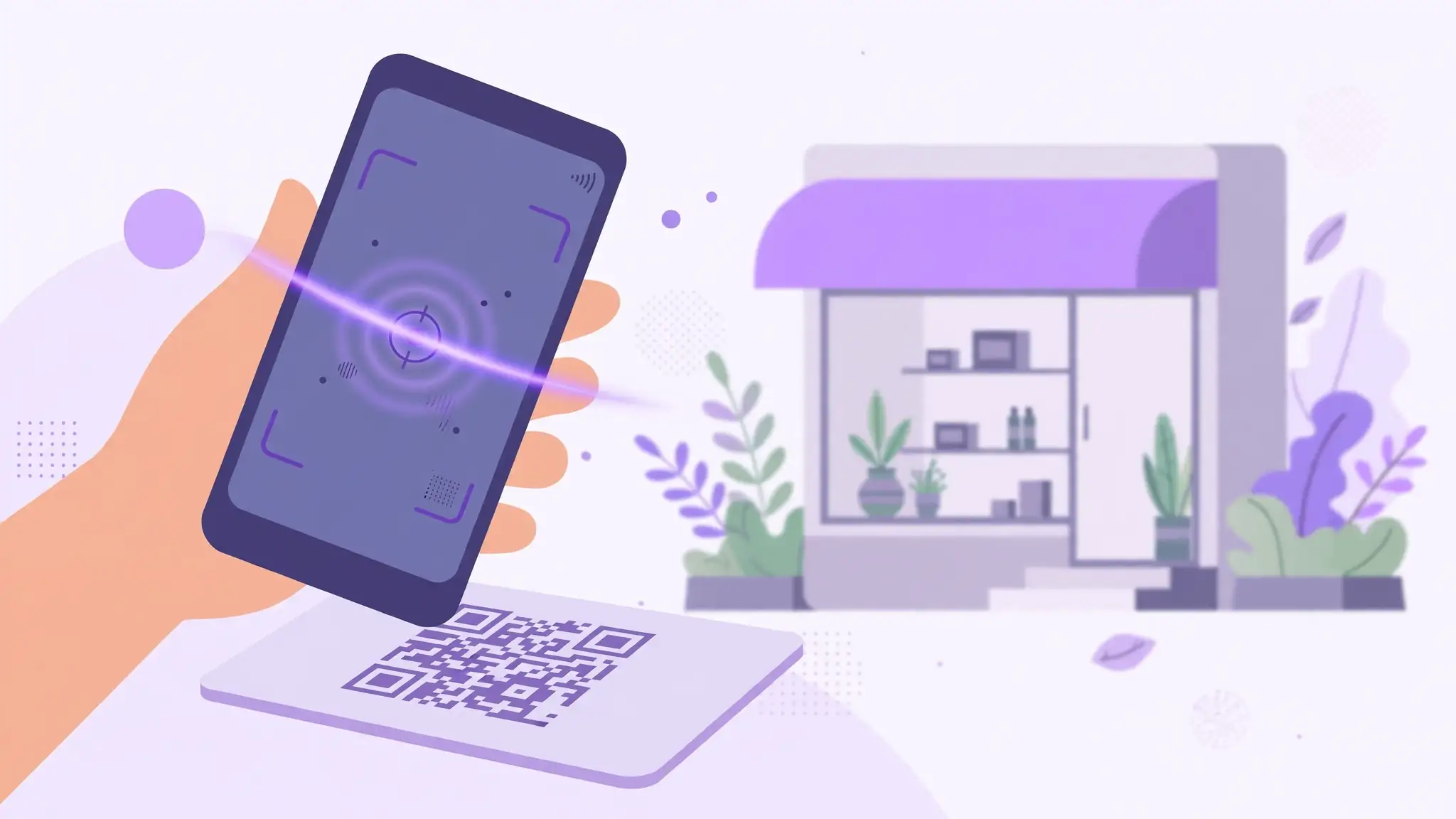
Most people think QR codes just hold website links, which is like using a smartphone only for calls. A QR code can encode WiFi credentials so guests connect with one scan, a vCard that saves your contact details straight to someone's phone, a pre-written email or SMS, a WhatsApp chat link, a map location, or plain text.
The WhatsApp trick is especially powerful for small businesses: encode a wa.me link with your number and one scan drops the customer straight into a chat with you — no saving numbers, no manual typing. Shopkeepers, tutors, and freelancers get more inquiries from this single use than from a website link.
- Website URLs and landing pages
- WhatsApp chat links (wa.me/your-number)
- WiFi network name and password
- vCard contact details, email, phone, SMS
- Map locations, app downloads, payment links
Static vs Dynamic: Which Do You Actually Need?
This is the question behind half of all QR code searches, and the answer is simpler than vendors admit: about 95 percent of people need static. A static QR code bakes the destination directly into the pattern — it is free forever, never expires, and works with no servers involved. Print it once and it works for life.
Dynamic codes route through a redirect server, so you can change the destination after printing and track scan analytics. That flexibility costs a subscription, typically $10 to $100+ per month, and the code dies if you stop paying or the vendor shuts down. Worth it for marketing campaigns with rotating offers or conference materials reused across events — overkill for a business card.
- Static: free forever, never expires, no account needed
- Dynamic: editable destination + scan analytics, paid subscription
- Choose static for: business cards, WiFi, menus, packaging
- Choose dynamic for: ad campaigns, A/B tests, reusable event signage
7 Smart Business Uses That Get Real Scans
The difference between a QR code that gets scanned and one that gets ignored is context and incentive. A code on a restaurant table linking to the menu gets scanned because the customer is hungry and the menu is right there. A code on a flyer linking to a generic homepage gets ignored because nobody cares.
Give every code a job and a reason. Link product packaging to setup videos or warranty registration. Put a review-link code on receipts — customers scan when satisfaction is fresh. Event signage can link to schedules, maps, or feedback forms. Real estate signs link to listings with photos the sign cannot show.
- Business cards: link to WhatsApp chat or portfolio
- Restaurants: table tents linking to menus and ordering
- Retail: packaging linking to setup guides and reviews
- Events: signage for schedules, maps, feedback forms
- Receipts and invoices: one-scan review links
- Offices and rentals: WiFi codes guests actually use
Design Tips That Actually Get Scans
A QR code that does not scan is worse than no QR code — it trains people to ignore yours. The rules are simple but non-negotiable. Keep dark-on-light contrast high; inverted or low-contrast codes fail on many phones. Leave a quiet zone — blank space about four modules wide — around all edges, and never let text or graphics crowd it.
Size matters more than people think: print codes at least 2 x 2 cm, larger for anything scanned from a distance like posters or vehicle decals. Always add a call to action next to the code — Scan for menu, Scan to pay — because a naked code gives nobody a reason to bother. And test with three different phones before printing a thousand copies.
- High contrast: dark code on light background, always
- Quiet zone: blank margin around all four edges
- Minimum 2x2 cm in print; bigger for distance scanning
- Add a call to action: tell people why to scan
- Test on iPhone and Android before mass printing
Common QR Code Mistakes to Avoid
The number one mistake is encoding a long, ugly URL. Long URLs create dense, intricate patterns that are harder for cameras to read — shorten the link first and the code becomes cleaner and more reliable. Mistake two is linking to pages you do not control: if that page moves or dies, your printed code is garbage.
Mistake three is skipping the test scan. Print one copy, scan it in bad lighting, from an angle, with an older phone. If it struggles in your test, it will fail in the wild. And never generate a code from a generator that stamps watermarks or expires free codes — your printed materials should not have a kill switch.
- Shorten long URLs before generating — denser codes scan worse
- Link to pages you control so the destination never dies
- Test in bad lighting and at angles before bulk printing
- Avoid generators with watermarks or expiring free codes