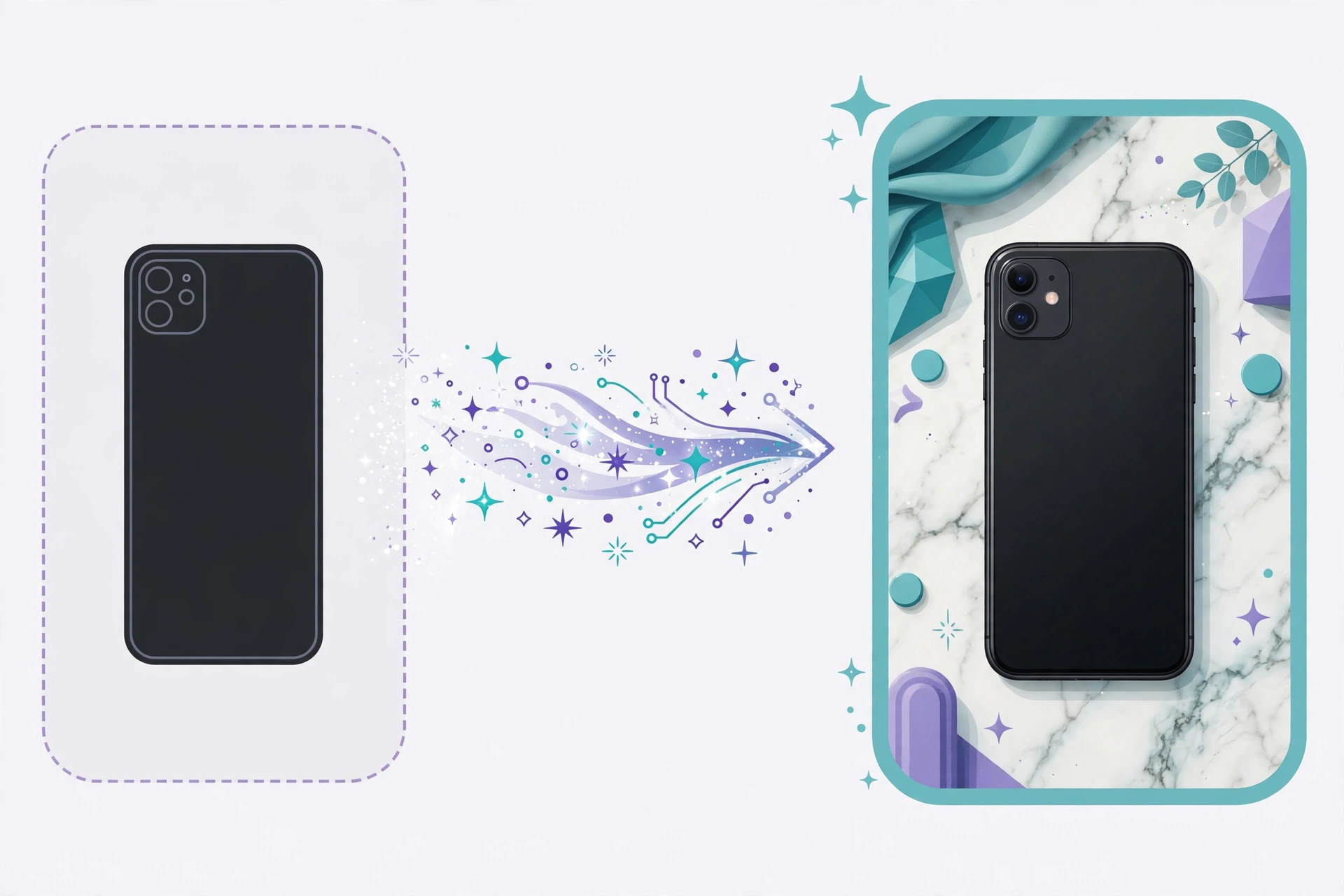
What AI product photography actually does
AI product photography takes a raw photo — often just a phone shot of a product on a table or against a plain wall — and generates a clean, studio-quality version of it. The AI removes or replaces the background, corrects harsh or uneven lighting, and can build full editorial scenes, like your product styled on a marble counter or a sunlit shelf, without you ever shooting in that setting.
This is meaningfully different from older cutout tools that just deleted a background and left a flat, obviously-pasted image. Modern tools rebuild lighting, cast shadows and surface reflections around your product so it looks like it was actually photographed in the new setting. The product stays yours; everything around it is reconstructed.
Why sellers are switching: the math
The math is what converted most sellers. A traditional product shoot means studio booking, props, a photographer, editing rounds and reshoots — days of planning and hundreds of dollars before a single listing goes live. The AI route takes one decent source photo and a few minutes, with no equipment and no scheduling.
There is a second, quieter win: consistency. Sellers with large catalogs struggle to keep every product looking like it belongs to the same brand. AI applies the same lighting, backdrop and style formula across hundreds of SKUs automatically. And the payoff is real — products with multiple high-quality images see up to 30% higher conversion rates, because shoppers trust what they can see clearly.
The workflow that actually works
The sellers getting the best results all follow the same four steps. The quality of your source photo sets the ceiling for everything after it, so this order matters more than which tool you pick.
Follow it in order and even free tools produce listing-ready images.
- 1. Shoot a clean source photo. A phone is fine — good natural light, product fully in frame and in focus, against the simplest background you have. Sharp and well-lit beats fancy every time.
- 2. Cut out the product. Remove the background so you have a clean product on transparency. Our free background remover does this in the browser — the file never leaves your device.
- 3. Generate the scene. Describe the backdrop with a text prompt (the formula is in the next section) and generate the lifestyle background or studio backdrop.
- 4. Composite and verify. Place your cutout product onto the scene, then compare the final image against the real item — labels, colors and proportions must match.
The prompt formula for product scenes
Scene prompts follow a simple formula: surface, lighting and mood. Name all three and the AI has a complete blueprint; skip them and it guesses. Think like an art director writing a one-line brief, not like someone chatting with a friend.
Translate every abstract feeling into something a camera could capture. 'Cozy' means nothing to an image model; 'warm morning sunlight on oak wood, soft shadows' is a paint-by-numbers it can execute.
- Weak: 'nice kitchen background' — Strong: 'a ceramic mug on a white marble kitchen counter, soft morning sunlight from the left, blurred greenery in the background, bright and airy'.
- Weak: 'luxury style' — Strong: 'a perfume bottle on a dark stone podium, dramatic side lighting, deep shadows, black background, premium and moody'.
- Add negative space on purpose: 'empty copy space on the left third' leaves room for your sale text or logo overlay.
- Match the aspect ratio to the placement: 1:1 square for Amazon and marketplace listings, 4:5 vertical for Instagram and product pages, 16:9 wide for store banners.
Free vs paid: the honest landscape
Here is the landscape as it stands. Dedicated AI product-photo tools mostly run on credits or subscriptions: free tiers cover a handful of generations, credit packs work out to roughly $0.30 per photo, and full subscriptions run $10 to $49 a month. There is no shame in that pricing — it is still a fraction of a studio shoot — but know what you are buying.
The genuinely free route is a two-tool combo and it works: a free background remover for the cutout step, plus a free text-to-image generator for the scene backgrounds. You do the compositing, which takes about two minutes per image once you have the rhythm. For a seller starting out or testing a new product line, that is all you need before spending a dollar.
Where AI still falls short
AI is honest-to-goodness impressive here, but it has edges. Fine printed text — ingredients lists, tiny label copy, serial numbers — can shift or garble slightly during generation, which is why the compare-against-the-real-item step is non-negotiable. Hands, faces and complex reflections are the other classic trouble spots; review every image at full size before publishing.
Marketplace rules are the other constraint, not a technical one. Amazon's main image must be pure white background, no props and no text — an AI lifestyle scene will get rejected there, so keep scenes for image slots two through seven. Used inside those guardrails, AI product photos are simply another professional tool in the kit.
The marketplace-ready checklist
Run every AI product image through this list before it touches a listing, and you will avoid nearly every common rejection and customer complaint.
- Main image (Amazon): pure white background (RGB 255,255,255), product fills 85% of the frame, at least 2000px on the longest side for zoom.
- Every image: compare labels, colors and proportions against the real product at full size.
- Keep one consistent style — same lighting mood and backdrop family — across the whole catalog.
- Lifestyle scenes go in secondary slots; never as the Amazon main image.
- Keep your clean cutout PNGs archived. When a marketplace updates its image rules, you regenerate scenes without reshooting.